Carfa Google Slide Template: A Visual Toolkit for Modern Brands
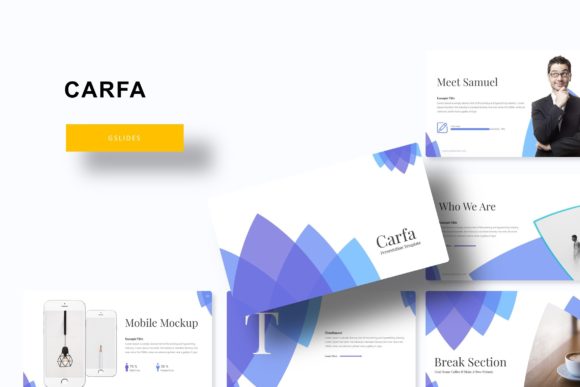
Let’s be honest—most presentation templates feel generic. They’re either overly corporate with stiff layouts or so minimalist they lack personality. Finding a template that balances professionalism with genuine visual appeal, especially one that scales across different projects, is rare. That’s where the Carfa Google Slide Template steps in. It’s not just another set of slides; it’s a comprehensive design system built for creators, marketers, and entrepreneurs who need their presentations to look as polished as their ideas. With over 150 total slides across five premade color schemes, this toolkit is designed to adapt to your brand, not the other way around.
A System Built for Consistency and Speed
One of the biggest challenges in maintaining a strong brand identity is visual consistency. Whether you’re pitching to investors, training your team, or showcasing a portfolio, every touchpoint should feel cohesive. The Carfa template solves this by offering 30 meticulously designed slides for each of its five color variations. This means you can select a color palette that aligns with your brand guidelines and instantly apply it across an entire presentation without manually adjusting each element. The result is a unified, professional look that reinforces brand recognition every time you share your work.
Beyond color, the template includes handcrafted infographics and dedicated section break slides. These aren’t your standard pie charts and bar graphs. They’re designed to tell a story with data, making complex information digestible and visually engaging. For a small business owner presenting quarterly results or a marketer explaining campaign metrics, these infographics transform dry numbers into compelling narratives. The section breaks, meanwhile, provide a natural pause in your presentation flow, helping to segment information logically and keep your audience focused.
Practicality Meets Creative Flexibility
What truly sets this asset apart is its thoughtful construction. Built on master slides, every component is resizable and editable, giving you full control without the headache. The drag-and-drop picture placeholder feature is a standout. Imagine preparing a portfolio review for a client: you can simply drag your design mockups, product photos, or social media screenshots directly into the pre-formatted frames. This not only saves immense time but also ensures your images are perfectly cropped and aligned, maintaining that pixel-perfect aesthetic.
The applications stretch far beyond a standard slide deck. Consider using the template’s layouts for:
- Social Media Graphics: Adapt the stylish infographic and title slide layouts to create eye-catching Instagram carousels or LinkedIn posts.
- Digital Product Mockups: Use the gallery and portfolio slides to beautifully present your latest ebook, online course, or template pack.
- Print Materials: The clean, scalable designs are perfect for exporting to create professional-looking flyers, posters, or even simple brochure layouts.
- Client Onboarding: Create a polished welcome presentation that outlines your process, sets expectations, and builds immediate trust.
This versatility makes it a valuable design asset for anyone from a freelance graphic designer managing multiple client brands to an entrepreneur building their own visual identity from the ground up.
Making It Work for Your Brand
Choosing the right template is only the first step. To leverage the Carfa Google Slide Template effectively, think about your project’s core goal. Are you aiming for a modern, sophisticated feel? Stick to the cleaner color palettes and use the sans-serif typography options. For a more creative, approachable vibe, explore the layouts that incorporate the script or handwritten font styles included in the package. The key is to match the template’s visual personality with your brand’s voice.
A pro tip is to start with the slides that feel most natural for your content, then customize. Use the portfolio slides not just for visual work, but to showcase client testimonials or case studies. Repurpose the infographic layouts for process explanations or feature comparisons. Because everything is editable, you can change colors, fonts, and shapes to align perfectly with your existing brand kit. This adaptability ensures the template serves as a foundation for your ideas, not a constraint.
What’s Inside the Package and How to Get Started
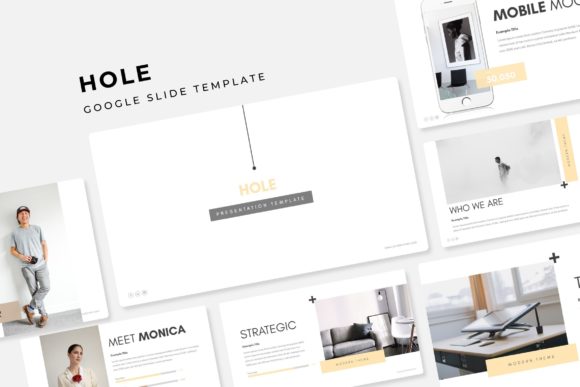
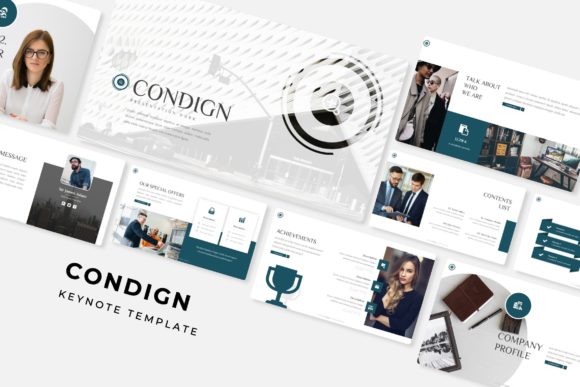
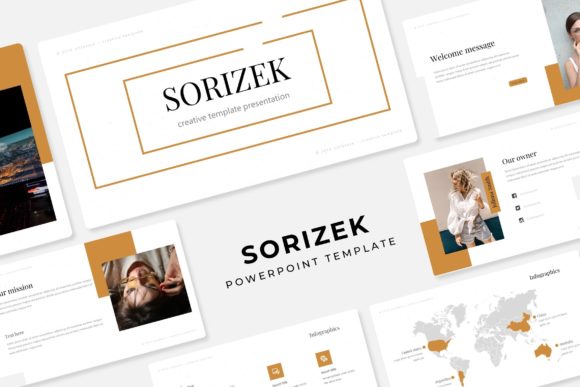
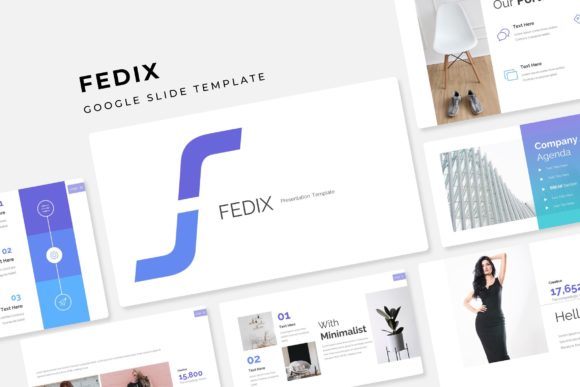
When you download the Carfa template, you receive a complete toolkit: five PPTX files for Google Slides (or PowerPoint), each corresponding to a different premade color theme. You also get a helpful readme file with a link to download the free fonts used in the designs. It’s important to note that the preview images use placeholder photographs; your own visuals are what will bring the presentation to life.
Before diving in, take a moment to review the font styles included. Experiment with pairing the display fonts for headings with more readable sans-serif options for body text. This practice of font pairing is crucial for hierarchy and readability, ensuring your message is clear at every glance. Since the fonts are free for commercial use, you can confidently use them across all your marketing assets, from your website to printed materials, without licensing worries.
Ultimately, the Carfa Google Slide Template is more than just a presentation tool—it’s a springboard for visual communication. It provides the structure and design sophistication needed to present ideas with clarity and style, helping you build a more professional and recognizable brand presence, one slide at a time. Whether you’re finalizing a keynote, designing a social media campaign, or assembling a client pitch, having this kind of versatile, high-quality framework at your fingertips can make all the difference in how your work is perceived and received.