Pilosh Keynote Template: A Visual Toolkit for Presentations
You've spent hours perfecting your pitch, refining your data, and structuring your narrative. The content is solid. But when you open your presentation software, the default templates feel tired, generic, and utterly incapable of capturing the energy of your idea. A presentation isn't just a collection of slides; it's a visual argument, a story told through space, color, and typography. The right template acts as your silent co-presenter, setting the tone before you speak a single word and guiding your audience's attention exactly where it needs to go.
Beyond a Single Slideshow: A Modular Design System
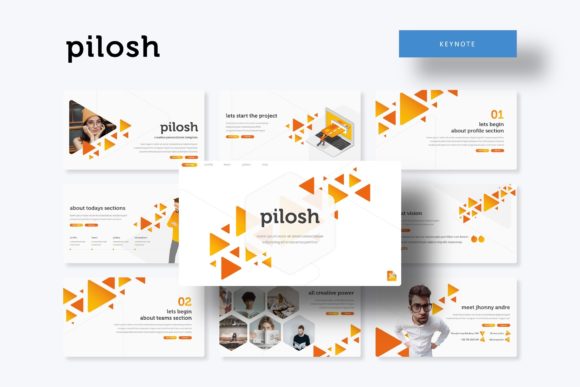
The Pilosh Keynote Template isn't a single file you download and use once. Think of it as a comprehensive visual toolkit designed for professionals who need to create multiple, high-impact presentations. At its core are five distinct color palettes—each a fully realized aesthetic theme. Within each color scheme, you receive 30 meticulously crafted slides, culminating in over 150 total slides. This structure provides immediate variety and consistency. Whether you're presenting quarterly financials to stakeholders or a creative campaign to a client, you can select the color story that best matches your brand or the mood of your message, knowing the entire deck will be visually harmonious.
This approach solves a common problem for small business owners and entrepreneurs: maintaining a professional and cohesive brand identity across all communications. Instead of cobbling together slides from different sources, you have a unified system. The "Pilosh - Keynote Template Presentation Features 150+ Total Slides, on 5 Premade colors 30 Slides for each Template" model means your investor deck, your team training, and your product launch can all share the same design DNA without looking identical. It's about building recognition through consistent visual language, not just a logo.
Designed for Real-World Communication
Where many templates fail is in their rigidity. The Pilosh template is built on a foundation of practicality. Every element is resizable and editable, with picture placeholders that allow for simple drag-and-drop functionality. This means you're not fighting the template to insert your own charts, team photos, or product images. The handcrafted infographics are particularly valuable. Instead of presenting raw data in a confusing table, you can transform it into an engaging visual story—a timeline, a process flow, or a comparative chart that your audience can grasp in seconds. These aren't just decorative; they are tools for clearer communication.
The inclusion of section break and gallery/portfolio slides is a thoughtful touch for creative professionals. Designers, photographers, and agencies can use the portfolio slides to showcase work in a clean, distraction-free environment. The section breaks provide natural breathing room, helping to segment a longer presentation and keep your audience focused. This attention to the structural rhythm of a presentation demonstrates a deep understanding of how people actually consume information.
From Boardroom to Social Feed: Practical Applications
The utility of a well-organized template system like this extends far beyond traditional slide decks. The principles of strong visual communication apply across all your brand's touchpoints.
- Brand & Marketing Collateral: Use the consistent color schemes and clean layouts as a starting point for designing one-pagers, sales sheets, or digital lookbooks. The typography and spacing provide a professional foundation.
- Social Media Graphics: Extract individual slide designs—like a quote card, a key statistic, or an announcement—to create on-brand Instagram posts, Facebook covers, or LinkedIn graphics. The pixel-perfect illustrations ensure they look sharp on any screen.
- Digital Products & Invitations: For creators selling workshops or events, the template's aesthetic can inspire the design of digital invitations, program guides, or even the introductory slides of an online course.
- Internal Documents & Reports: Elevate monthly reports, project proposals, or training materials. A professionally designed document is taken more seriously and is easier to digest, improving internal communication and efficiency.
Essentially, the Pilosh template acts as a springboard for your broader brand identity. The color palettes and design sensibility can inform choices in other design assets, helping to create a seamless look from your presentation to your website and printed materials.
Getting Started: What's in the Package and How to Use It
Upon downloading, you receive a straightforward package: five PPTX files for standard aspect ratios and five PPTX widescreen files, each corresponding to one of the five premade color themes. A "Readme First" document is included, which is essential reading. It provides the free font download links used in the template. Using the specified fonts is critical to maintaining the design's intended look and spacing.
A pro tip for using any robust template: start by exploring the slide master. This is where the foundational styles for headings, body text, and layouts are defined. Making a small adjustment here, like updating the font to one you already use in your brand materials, can instantly customize the entire deck. Then, work with the content slides. The picture placeholder feature is your best friend—simply click the icon on the placeholder, navigate to your image file, and the template handles the cropping and positioning. This drag & drop simplicity saves immense time and ensures a polished result, even for those without advanced design skills.
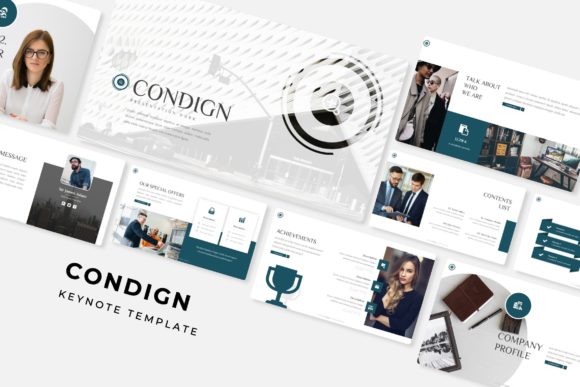
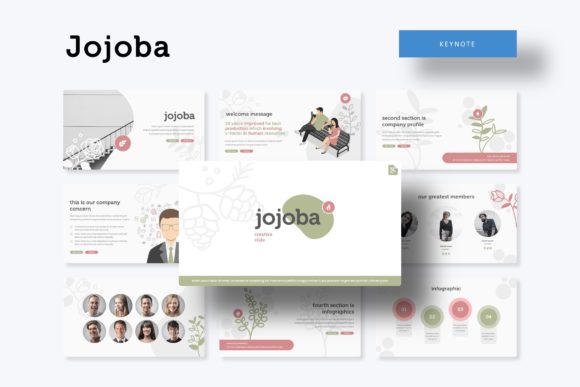
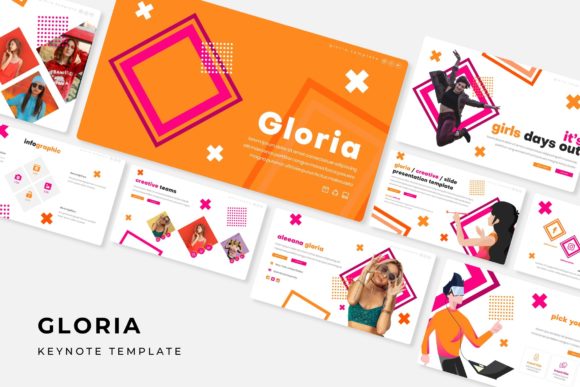
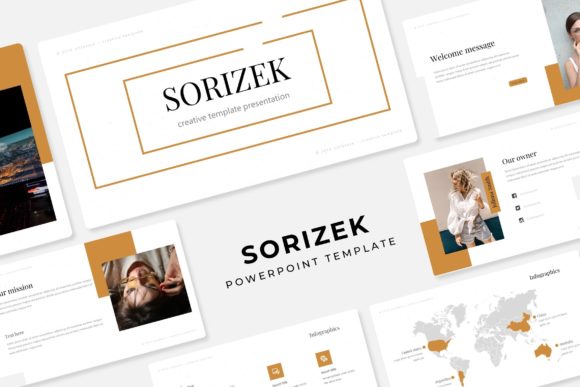
Remember, the preview images show the template in action with stock photography, but those photos are not included. This is standard practice and actually works in your favor, as it ensures the template is clean and ready for your own authentic visuals. Your presentation should tell your story, not someone else's.
Choosing the Right Tools for Your Visual Voice
When selecting any design asset, from a premium font to a presentation template, the goal is to find tools that amplify your message without overshadowing it. A great template, like a great typeface, should feel like a natural extension of your brand's personality—whether that's bold and innovative, clean and trustworthy, or elegant and sophisticated. The Pilosh system offers that versatility through its multiple color stories.
Consider your primary use case. If your work is data-heavy, examine the infographic slides closely. If you're a creative agency, the portfolio and gallery slides will be your focus. The best resource is one that solves your specific problem and reduces friction in your workflow. By providing a structured yet flexible system, this template allows you to focus on what matters most: your content, your delivery, and connecting with your audience. It’s a practical investment for anyone who regularly communicates ideas and wants those ideas to be received with the visual clarity and professionalism they deserve.