Folute Google Slide Template: A Complete Presentation Toolkit
You know the feeling. You're preparing for a big pitch, a client workshop, or a team update, and you open a blank slide deck. The cursor blinks. You spend the next hour fighting with misaligned shapes, inconsistent colors, and layouts that just don't work. This is where a dedicated, high-quality presentation system changes everything. The Folute Google Slide Template isn't just a collection of pretty slides; it's a structured framework designed to eliminate that friction and let your content shine from the first click.
Beyond Basic Slides: A System for Visual Storytelling
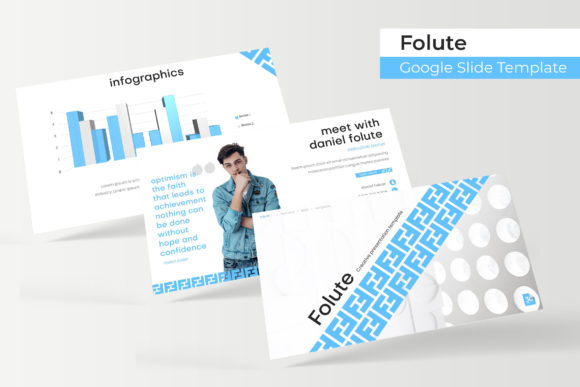
At its core, Folute is built on the principle of organized creativity. The package provides 150+ total slides, but the real value lies in its intelligent organization. You get five distinct, premade color themes, each containing 30 meticulously crafted slides. This means you're not starting from a monolithic template; you're choosing a specific visual direction—whether it's a bold, energetic palette or a calm, professional tone—and every slide within that theme is already harmonized. The handcrafted infographics are a standout feature. Instead of generic charts, you get visually engaging data representations that help tell your story, making complex information digestible and memorable for your audience.
The inclusion of section break slides and dedicated gallery/portfolio slides shows an understanding of presentation flow. A clean section break provides a visual pause, signaling a new chapter in your narrative. The portfolio slides are perfect for creatives and agencies, offering a polished way to showcase work without wrestling with image placement. Every graphic element is resizable and editable, with picture placeholders that support simple drag-and-drop functionality. This is built upon a robust master slide foundation, ensuring pixel-perfect consistency across every page. Change a font, update a color, or adjust a logo once on the master, and the entire deck updates seamlessly.
Practical Applications for Real-World Projects
So, where does this template toolkit actually fit into your workflow? The applications are surprisingly broad, extending far beyond a standard corporate presentation.
For small business owners and entrepreneurs, it's a branding powerhouse. Use the consistent color themes and master slides to create a cohesive brand identity deck for investors, a product catalog for wholesale clients, or a service overview for potential customers. The visual consistency across all 150+ slides reinforces brand recognition and projects a level of professionalism that builds immediate trust.
Marketers and content creators will find it invaluable for developing marketing assets. Think beyond the live presentation. Export slides as high-resolution images to create a series of social media graphics for Instagram carousels or LinkedIn posts. Use the infographic slides to repurpose blog content into engaging visual summaries. The template system ensures that every asset you create, whether for digital or print materials like posters or one-pagers, maintains a unified look.
Even for designers and hobbyists, Folute serves as a powerful design asset. Use it to quickly mock up editorial layouts for a magazine concept, plan the packaging design for a product line, or create a beautiful mood board for a client project. The structured nature of the slides encourages organized thinking, which is a creative benefit in itself.
Working Smarter: Tips for Maximizing the Template
Having a great tool is one thing; using it effectively is another. Here’s how to get the most out of the Folute system.
First, choose your color theme deliberately. Don't just pick your favorite. Consider the emotion you want to evoke. The provided 5 premade color variations offer a starting point, but think about which palette best aligns with your project's goals and your audience's expectations. A financial advisory firm might opt for a different theme than a children's book author.
Next, master the master slides. This is the single most important tip for efficiency. Spend time at the beginning setting up your global fonts, color variables, and logo placement in the slide master. This upfront investment will save you hours of manual adjustments later and guarantee that pixel-perfect look you're after.
When it comes to content, leverage the variety. You have 30 slides per theme for a reason. Use the section breaks to give your audience mental breathing room. Use the unique infographic layouts to visualize data instead of dumping a table onto a slide. Use the gallery slides to let your work speak for itself. The goal is to use the structure to enhance your narrative, not to fill every slide with text.
Finally, remember that the template is a starting point. The resizable and editable graphics and picture placeholders are there for you to make it your own. Swap out images, adjust the layout of elements, and inject your brand's personality. The drag & drop functionality makes this process intuitive, even for those with limited design experience.
What’s Included and Getting Started
The package is comprehensive, designed to be immediately usable. You receive 5 PPTX Files and 5 PPTX Widescreen versions, covering both standard and widescreen aspect ratios. Each file corresponds to one of the 5 premade color themes, giving you a complete, ready-to-present deck for each. The included "Readme First" file is essential reading—it contains the font used and a free font download link, ensuring you can install the exact typography to maintain the template's designed integrity.
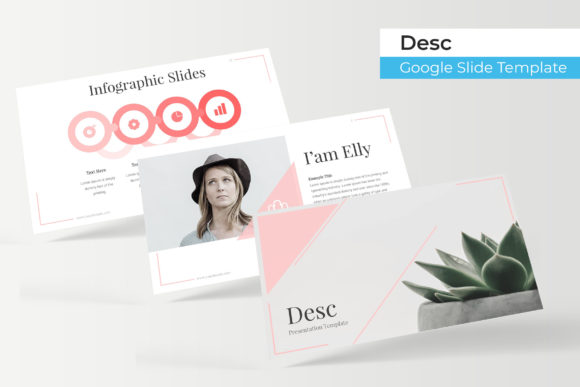
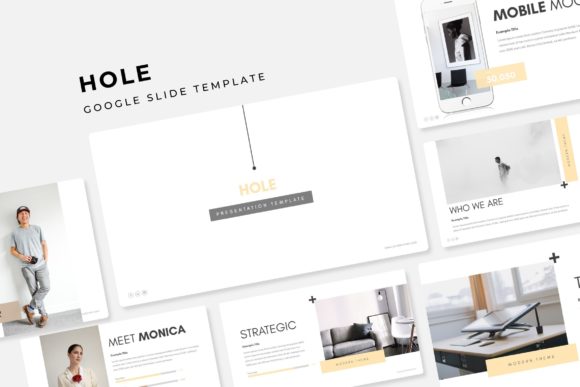
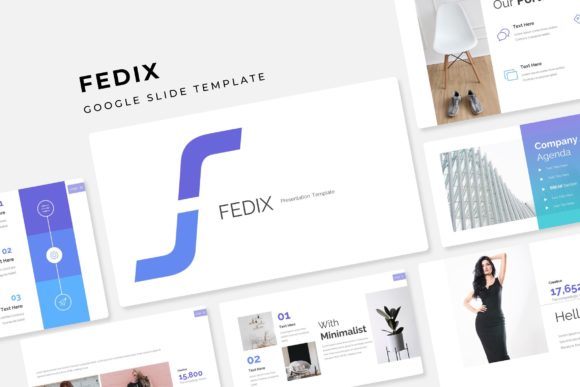
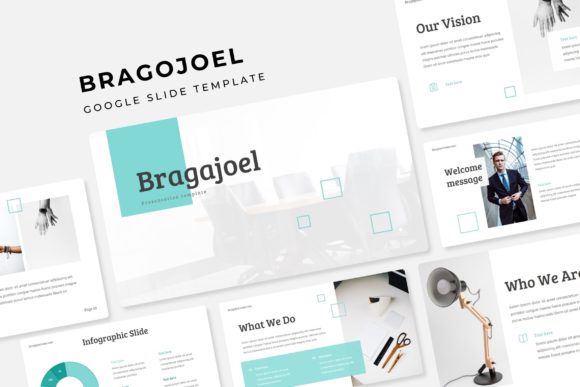
A crucial note on assets: the photographs or pictures used in the preview are not included. They are for illustration purpose only. This is standard and allows you to insert your own high-quality, relevant imagery that truly represents your brand or project. Using your own photos will make the presentation authentically yours.
In essence, the Folute Google Slide Template provides the professional scaffolding so you can focus on what matters most: your message. It reduces the technical barriers to creating a visually compelling, consistent, and engaging presentation, whether you're closing a deal, educating a team, or showcasing your creative portfolio.