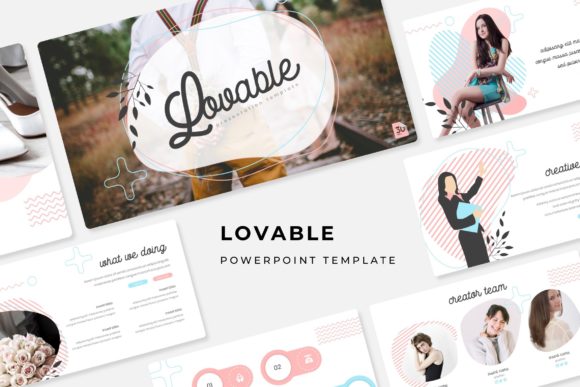
Lovable PowerPoint Template: Streamline Your Next Presentation
That sinking feeling when you open a blank PowerPoint file and realize you need to build a deck from scratch is all too familiar. Hours vanish into aligning text boxes, sourcing consistent icons, and wrestling with color schemes that just won't cooperate. What if you could bypass that entire design struggle and jump straight into sharing your ideas? The Lovable PowerPoint Template is built for exactly that purpose, offering a robust, pre-designed foundation that lets you focus on your message, not the mechanics of slide design.
A Foundation Built for Clarity and Impact
At its core, this presentation toolkit is about giving you professional structure without the creative constraints. With over 150 total slides divided across five premade color themes, you get 30 meticulously designed slides per color variation. This isn't just about swapping a blue header for a green one; each color theme is a fully realized aesthetic direction, allowing you to match the template to your brand identity or the specific tone of your talk in seconds.
The true value lies in the thoughtful composition of these slides. You'll find handcrafted infographics that transform complex data into clear, compelling visuals. Dedicated section break slides create natural pauses in your narrative, guiding your audience through the story you're telling. For those who need to showcase work, the gallery and portfolio slides are ready-made stages for your images and projects. Every graphic element is resizable and editable, and the use of picture placeholders means you can simply drag and drop your own photos into pre-sized frames. Built on master slides, ensuring a consistent, pixel-perfect look across your entire deck is automatic.
Practical Applications Beyond the Boardroom
While perfect for quarterly reviews and investor pitches, the utility of a versatile template like this extends far into other professional and creative realms. Consider using it as a dynamic tool for:
- Brand and Marketing Collateral: Develop a cohesive visual language for a product launch. Use the infographic slides to explain features, the portfolio slides to show customer testimonials or use-cases, and the section breaks to separate your market analysis from your marketing strategy.
- Educational Workshops and Course Materials: Create engaging lesson modules. The clean layouts are ideal for presenting step-by-step instructions, key concepts, and interactive exercises without overwhelming your students with clutter.
- Client Pitches and Proposals: Move beyond a static PDF. A well-structured PowerPoint presentation allows you to walk a potential client through your process, highlight case studies, and present pricing in an interactive, professional format that feels more like a conversation than a document.
- Internal Training and Onboarding: Standardize how you train new team members. The consistent design ensures all training materials look unified, making information easier to follow and reinforcing your company's professional standards from day one.
Think of it not just as a slide deck, but as a design system for your ideas. The included pixel-perfect illustrations and handcrafted infographics are design assets in their own right, elements you can adapt for social media graphics, blog post headers, or internal documents to maintain visual consistency across all your communications.
Making It Your Own: A Guide to Effective Customization
Getting the most out of a premium template involves a few key steps. First, start with the Readme First file. It will guide you through installation and, crucially, point you to the free font download link. Using the intended font is critical for preserving the design's integrity, as typography is a core component of its visual personality.
Next, choose your color theme. If your brand has established colors, select the premade theme that comes closest and then use PowerPoint's color tools to adjust the accent colors to your exact hex codes. Because the template is built on master slides, these changes will cascade throughout your presentation, saving you immense time.
When populating your slides, resist the urge to overcrowd them. The layouts are designed with breathing room. Trust the structure. Use the picture placeholders for your imagery, and leverage the infographic slides to simplify your data storytelling. A well-chosen chart or diagram often communicates more effectively than a dense paragraph of text.
Finally, think about font pairing if you need to deviate. While the included font is designed to work beautifully, you might pair it with a clean sans-serif for body text in a handout version. The key is to maintain a clear hierarchy and ensure readability, whether your presentation is viewed on a large screen or as a shared PDF.
What You Receive and Final Considerations
The package is straightforward and ready for immediate use. You receive 5 PPTX files (one for each color theme), formatted for widescreen presentations. The included fonts are free for commercial use, which is a significant advantage, but always double-check the license if you plan to use the template for merchandise or large-scale distribution.
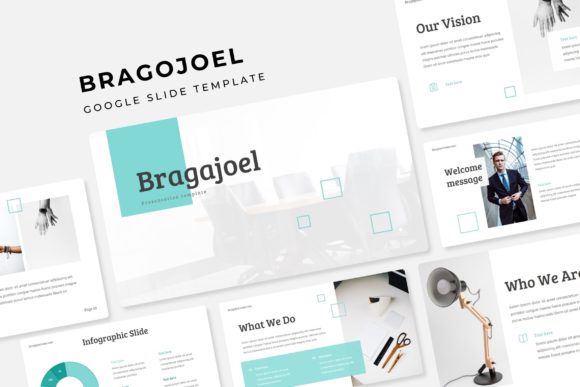
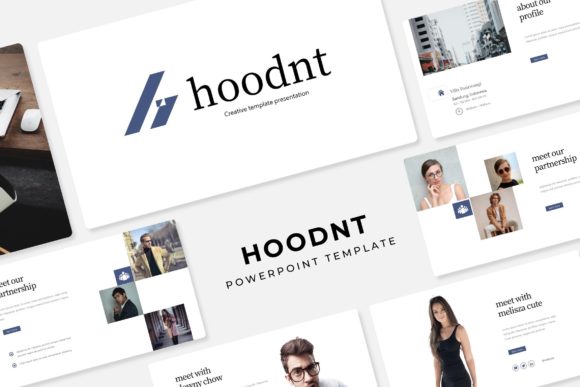
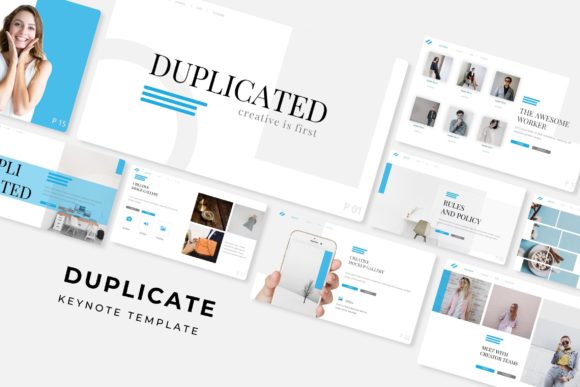
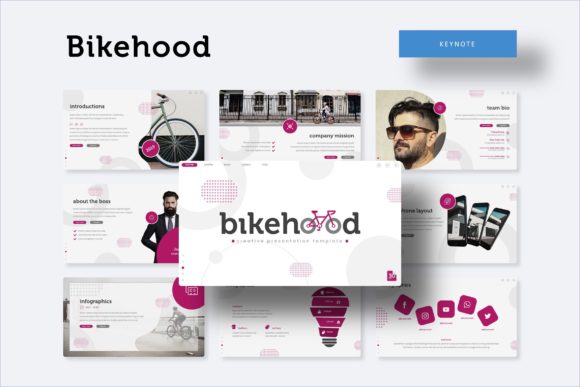
Remember, the photographs and specific imagery used in the preview are for demonstration only. Your final deck will be powered by your own content, which is exactly the point. The Lovable PowerPoint Template provides the sophisticated, professional framework—you provide the compelling story, the unique data, and the brand-specific visuals that make it resonate. It’s a tool designed to elevate your presentation game, not by doing the work for you, but by removing the frustrating barriers to polished, effective communication.