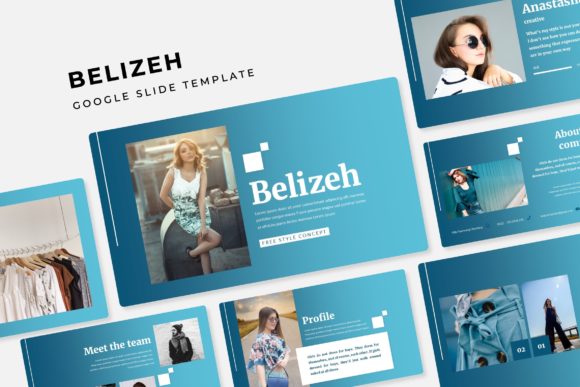
Transform Your Presentations with the Belizeh Google Slide Template
You’ve been there. Staring at a blank slide deck, wrestling with misaligned text boxes, hunting for icons that actually match, and trying to force a generic template into something that looks remotely professional. It’s frustrating, time-consuming, and the result often feels like a compromise. What if the foundation of your presentation was already built for impact, consistency, and creative freedom? That’s the core promise of the Belizeh Google Slide Template—a comprehensive design system that gives you a polished, professional starting point so you can focus on your message, not on formatting headaches.
More Than Just Slides: A Complete Visual Toolkit
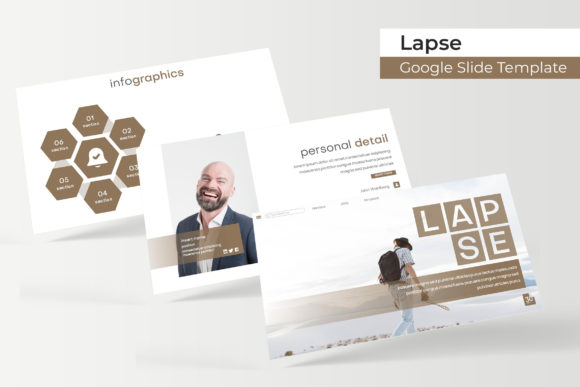
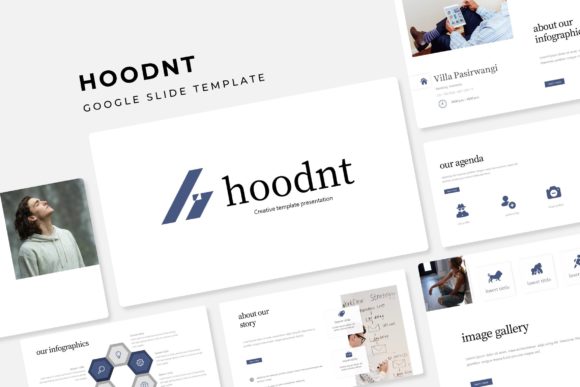
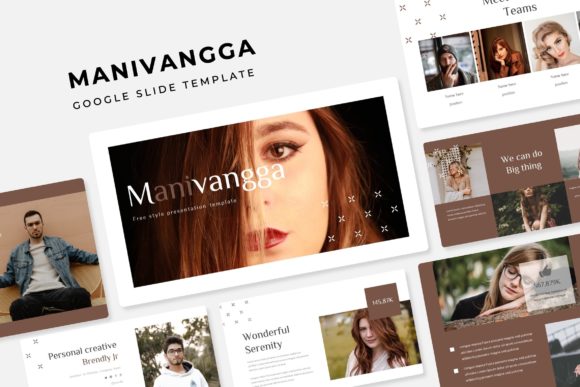
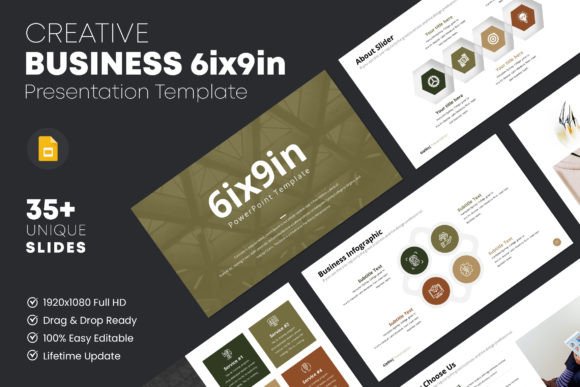
At first glance, it’s a collection of presentation files. Look closer, and you’ll find a meticulously organized design asset built for real-world use. The package includes 150+ total slides, but the real genius is in the structure. It’s built on 5 premade color schemes, with 30 unique slides for each template variation. This isn’t about having 150 slightly different layouts; it’s about having a cohesive visual language that you can adapt to any brand or project in minutes. The pixel-perfect illustrations and handcrafted infographics aren’t just decorative—they’re functional tools for explaining complex ideas, showcasing data, and guiding your audience’s attention exactly where you want it.
For a small business owner finalizing a pitch deck, a marketer preparing a client report, or a blogger designing a media kit, this level of pre-built sophistication is a game-changer. You’re not just getting slides; you’re getting a framework for professional presentation that ensures every deck you create reinforces your brand identity with visual consistency.
Practical Design for Everyday Creative Work
The true value of a design asset lies in how it integrates into your workflow. The Belizeh template understands this. Features like the resizable and editable graphic picture placeholders with drag & drop functionality mean you can swap out images without breaking the layout. The entire system is based on master slides, so a single change to a color or font cascades throughout your entire presentation, saving you from the tedious task of editing each slide individually. This is the kind of thoughtful, time-saving design that lets you move from concept to polished deliverable quickly.
Think beyond the traditional slide deck. The clean layouts are perfect for creating:
- Social media graphics: Use individual slide designs as templates for Instagram carousels or Pinterest pins that maintain a consistent aesthetic.
- Digital product mockups: The gallery and portfolio slides are ideal for showcasing ebook covers, course materials, or product suites in a clean, professional manner.
- Print materials: Export slides as high-resolution PDFs for posters, invitations, or one-page flyers. The structured design ensures your print materials look just as sharp as your digital ones.
- Internal documents: Use the section break slides to organize training manuals, company handbooks, or project proposals, making dense information more digestible.
For the entrepreneur building a brand from the ground up, having a unified set of marketing assets is crucial. The Belizeh template provides that unity, helping you establish visual consistency across your website banners, email headers, and client presentations, which in turn strengthens brand recognition.
Choosing and Applying Your Design Assets Wisely
Having a powerful tool is one thing; using it effectively is another. Here’s how to get the most out of a comprehensive template like this:
- Start with Your Brand Palette: Don’t just pick the color scheme you like best. Start with the one that aligns with your existing brand colors. Use the master slides to adjust the accent colors to match your exact hex codes. This creates an instant, custom feel.
- Test Your Content Early: Before you build out 20 slides, test your core message on a few key layouts. Does your text fit comfortably? Do the picture placeholders work with your typical imagery? This early testing prevents major rework later.
- Leverage the Infographics Strategically: The handcrafted infographics are visual storytelling tools. Use a process infographic to explain your service steps. Use a chart slide to visualize data from a case study. They make complex information engaging and memorable.
- Consider the Complete Ecosystem: Think about how the presentation style will pair with your other fonts and design elements. The included readme file and free font download link are there for a reason—using the recommended typeface ensures the typography looks as intended, maintaining that pixel-perfect quality.
For content creators and bloggers, this approach means your webinar slides, your lead magnet PDFs, and your social media graphics can all feel like part of the same family, building a cohesive and professional online presence that audiences trust.
What’s Inside the Box: A Quick Breakdown
Clarity about what you’re getting helps you plan your projects. The package is straightforward and built for immediate use:
- 5 PPTX Files & 5 PPTX Widescreen Files: Ready for both standard and widescreen displays.
- 5 Premade Color Variations: A complete set of themes to choose from.
- 150+ Total Slides: A vast library of layouts, from title slides to content-heavy pages.
- Master Slides: The backbone for easy, global editing.
- Font Information: A Readme First file with details and a link to download the free font used in the design.
A crucial note on licensing and assets: The photographs and specific graphics used in the preview are for illustration purposes only and are not included. This is standard practice and puts you in control. You’ll use your own images, which is better for authenticity and licensing. Always double-check the license for the template itself and any fonts or stock photos you use to ensure they’re cleared for your intended commercial or personal project.
Ultimately, the Belizeh Google Slide Template is less about the slides themselves and more about the efficiency and professionalism it injects into your workflow. It’s a practical design system for anyone who needs to communicate ideas visually and doesn’t have the time or budget to start from scratch every single time. By providing a robust, adaptable foundation, it allows you to focus on what truly matters: crafting a compelling message and connecting with your audience.